Overview.
Two glyphs, drawn on a 16-unit grid, share a single visual logic: three rectangles forming a centered plus sign. The marque is that plus on its own; the wordmarkpairs it with the lowercase “flatpay” type at fixed proportions.
Both are monochrome by design. They use currentColorso the inheriting element's text color drives the fill — charcoal on light, off-white on dark, never recoloured beyond that.
Asset access
Canonical SVGs ship in this repo at apps/portal/public/ and as React components from @flatpay-dk/ui. Brand-grade specimens — the construction grid, exclusion zones, and misuse panels — live alongside them at public/docs/logos/. Download links sit at the bottom of this page.
Construction.
The wordmark is drawn on a single grid: the marque on the left, the type on the right, the gap between them measured in the same unit. Every distance on this page — clear space, lockup gaps, minimum sizes — is expressed in this grid's unit (1U = ¼ of the marque's height).
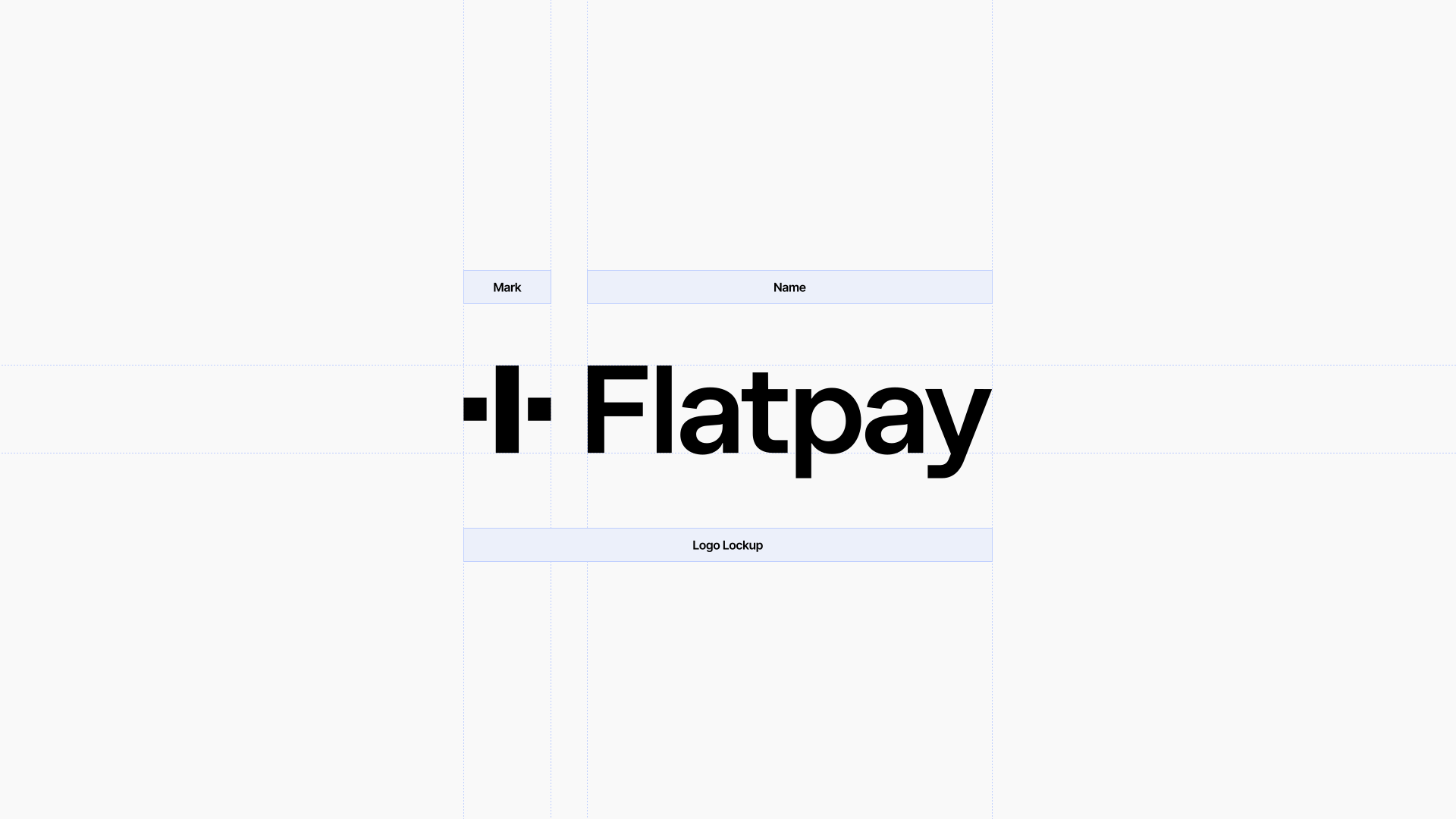
Wordmark · Construction
Drawn on a single grid. Marque, type, and the gap between them are all measured in the same unit — 1U equals one quarter of the marque's height.
The marque.
The marque is the brand's most condensed signature. Use it where space is tight — app icons, favicons, social avatars — and any context where “Flatpay” is already established by surrounding type or product chrome.
48 px
32 px
20 px
The wordmark.
The wordmark is the default lockup — marque + name. Use it when the brand needs to identify itself: nav bars, login screens, document headers, marketing surfaces. The proportions between the marque and the type are fixed; never rebuild it from parts.
Type only.
A narrow exception. When the wordmark would over-claim — long-form prose, legal copy, footnotes referencing Flatpay alongside other companies — set “Flatpay” in the brand type without the marque. The reverse is never permitted: the marque on its own is a logo, the type on its own is a name.
Type only · Approved
When the wordmark would over-claim — long-form prose, footnotes, legal copy — set 'Flatpay' in the brand type without the marque. Never the marque without the type.
Clear space.
Keep an empty zone of 1U on every sidearound the marque or wordmark — where U equals one quarter of the marque's rendered height. Other UI, type, and graphic elements stay outside that zone. The clear space scales with the mark.
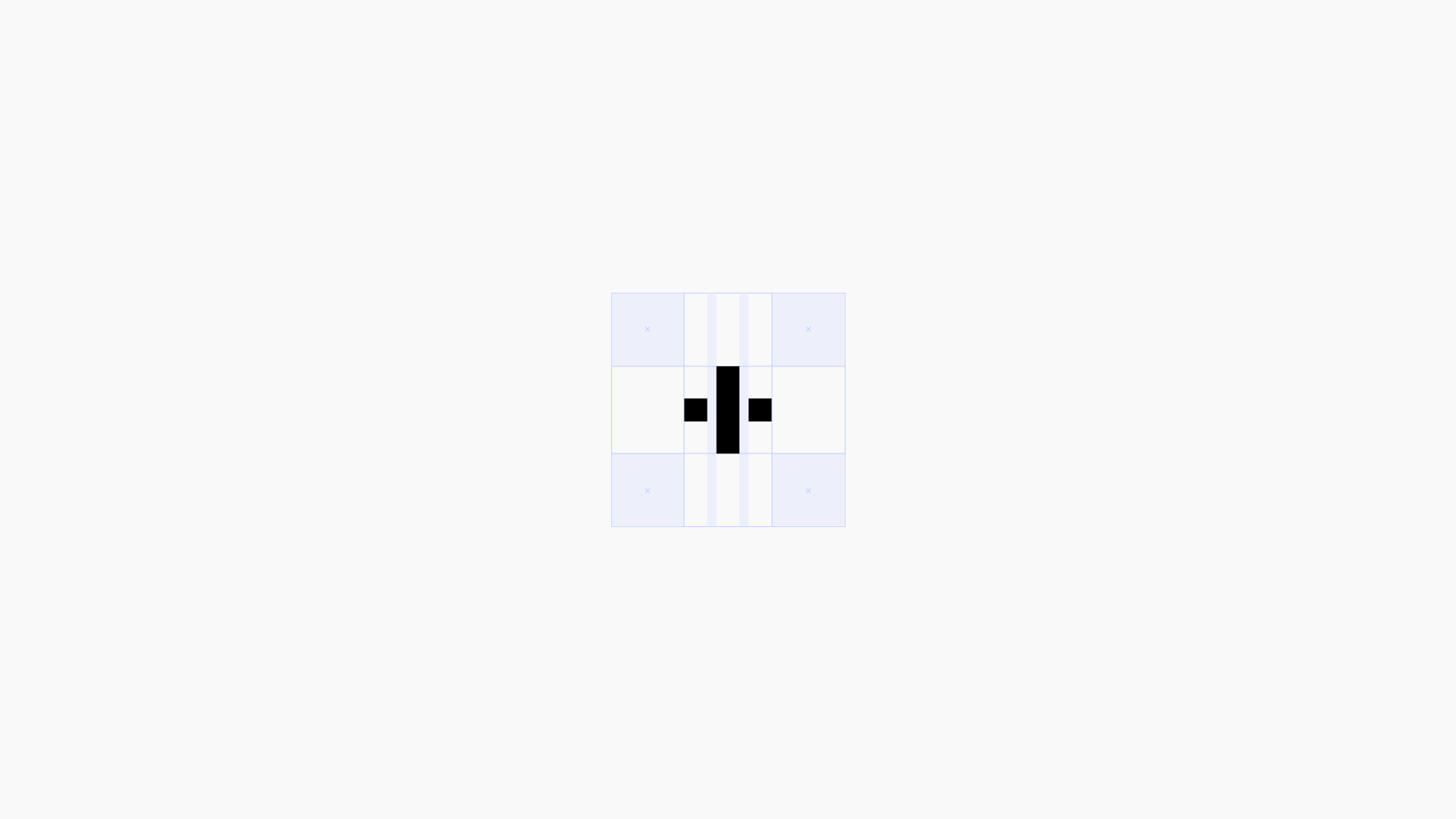
Marque · Clear space
1U on every side, where U equals the height of one of the marque's three bars. Other UI stays outside the dashed zone.
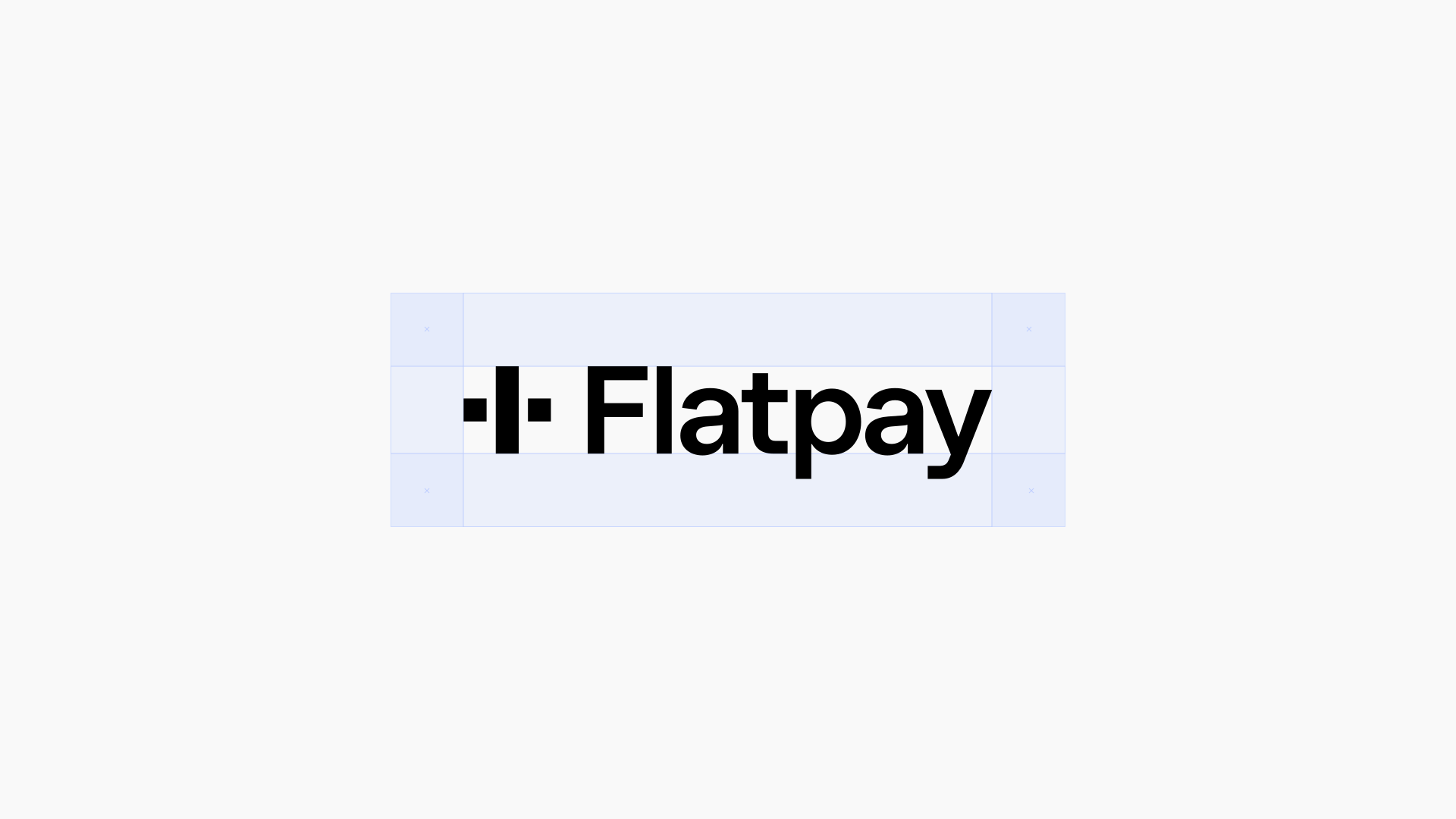
Wordmark · Clear space
The same 1U rule, applied around the full wordmark. The clear space scales with the rendered height of the marque.
Minimum size.
Below their minimums, the marque and wordmark stop reading as themselves and start reading as visual noise. Switch to the smaller asset before reaching the floor.
Wordmark
28 px
Display surfaces — heroes, login, marketing.
18 px
Default in product nav and footer.
14 px
Minimum for the wordmark. Below this, switch to the marque.
Marque
32 px
Standalone marque (favicons, app tiles).
20 px
Inline marque in dense product UI.
16 px
Minimum legible size for the marque.
Below the floor
Below 14 px, the wordmark's “flatpay” type loses its distinctive lowercase shapes. Switch to the marque alone and pair it with a label in a separate type style if Flatpay still needs naming.
Color.
The marks are monochrome — full stop. Charcoal on light surfaces, off-white on dark surfaces. The surface carries the brand colour; the mark stays consistent.
Default · Off-white
Charcoal on off-white. The default and most common treatment — used in nav, login, and product chrome.
Approved · Pink
Charcoal on the brand pink. The mark stays mono — the surface carries the colour.
Inverse · Charcoal
Off-white on charcoal. Used on dark hero bands, branded photography, and the docs hero.
Approved · Mint
Charcoal on the brand mint. Same rule — the mark is mono, the surface is the colour.
Why monochrome
A two-tone or full-colour mark would compete with the surface around it. Monochrome lets the marque sit confidently on a feature illustration, a charcoal banner, a photo background, or a coloured homepage tile without ever needing a contained “safe zone.”
Lockups.
When pairing the wordmark with a sub-brand or product label, sit the label to the right of the wordmark with a 1U gap. The label is a tracked-out .eyebrowin a 1 px-bordered tag. Never custom-compose your own lockup — match the example below or ask the brand team for a new official one.
Lab lockup
The wordmark + a small bordered eyebrow tag. Used in nav and login.
Inverse lockup
Same composition on a dark surface — the mark and tag flip together.
Misuse.
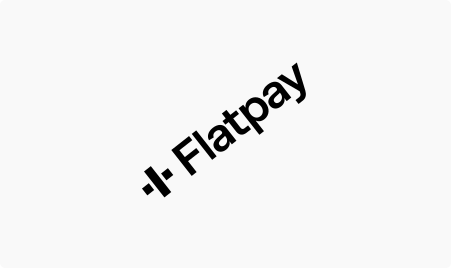
Six things the wordmark should never do. If a designer or partner asks for any of these, point them here and ask for a new context that respects the rules.
In code.
Both glyphs are React components in @flatpay-dk/ui. They use currentColor so the parent text colour drives the fill — set it once on the wrapper and the mark inherits.
tsx
import { FlatpayLogo, FlatpayMarque } from "@flatpay-dk/ui";

// Wordmark in nav (default — inherits the parent text color)
<FlatpayLogo height={18} width="auto" label={null} />

// Marque on its own (auto-applies aria-label="Flatpay")
<FlatpayMarque height={24} width={24} />

// On a dark surface — color flips via currentColor on the parent
<div className="bg-foreground text-background">
  <FlatpayLogo height={20} width="auto" />
</div>
Downloads.
Canonical SVGs. Right-click a file or click the card to save. SVG scales to any size; if you need a raster (PNG, JPG), generate it from the SVG at the target dimension — don't embed compressed bitmaps.


Need another format
Need a PDF, EPS, or print-ready file? Ping the brand team. The SVGs here are the source of truth; everything else is generated from them on demand to avoid drift.